1. Single unit operation
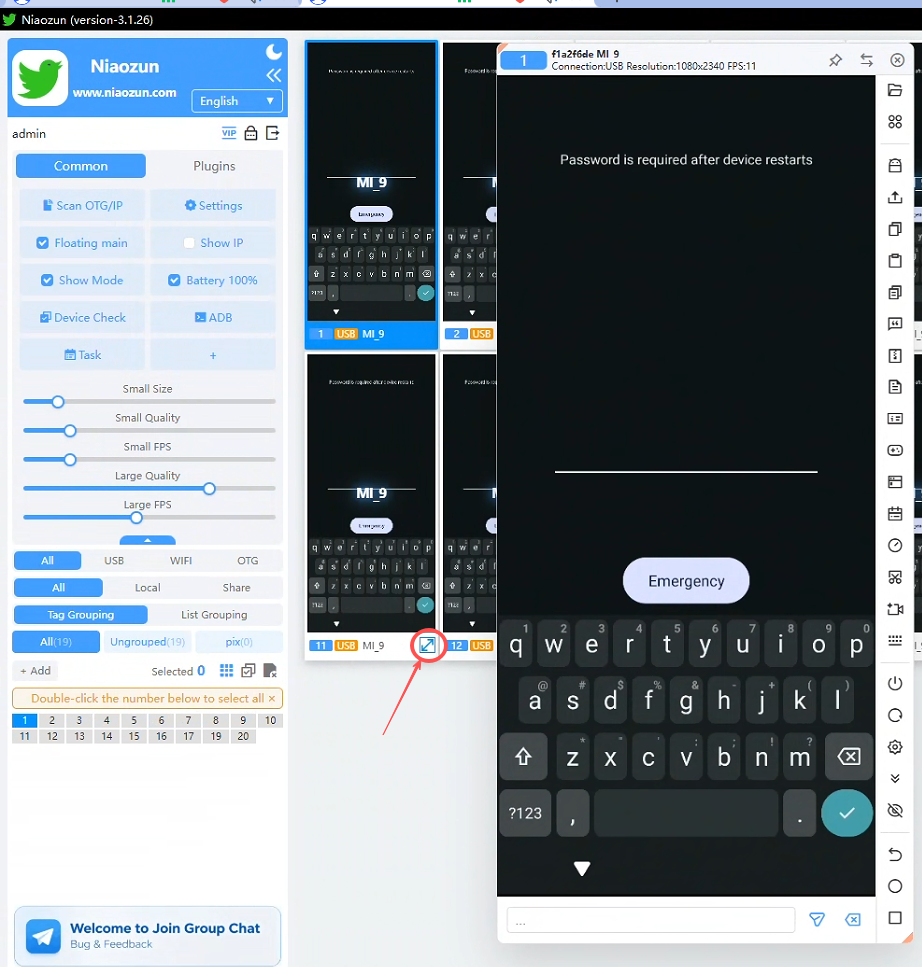
Right-click on the device screen to open the large screen to operate, and the small screen can also be operated
2. Batch operation
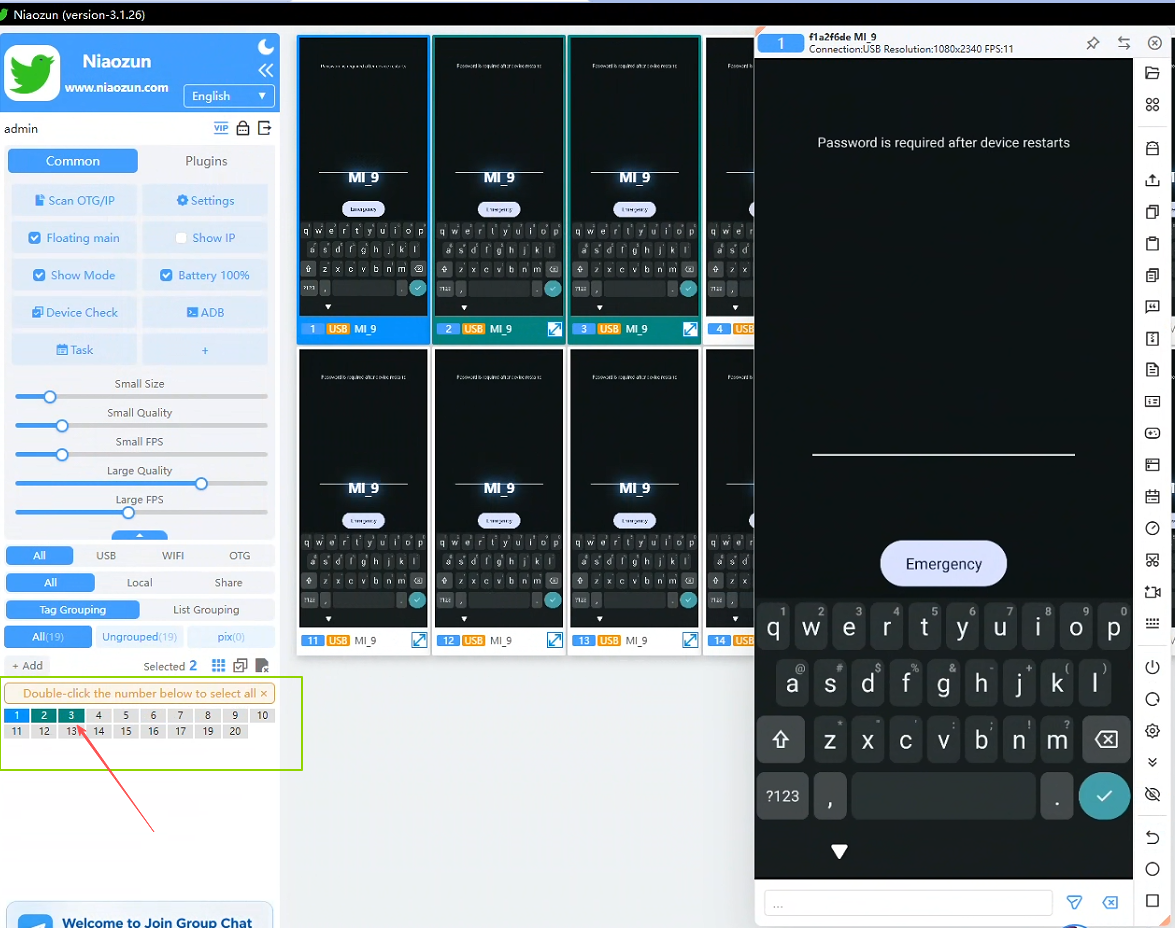
Click on the device list in the lower left corner or select all, select according to the mobile phones you need to synchronize in batches, and the other screens of the main control operation will follow.
Note: Please ensure that all devices intended for batch operations are connected and in a controllable state.